



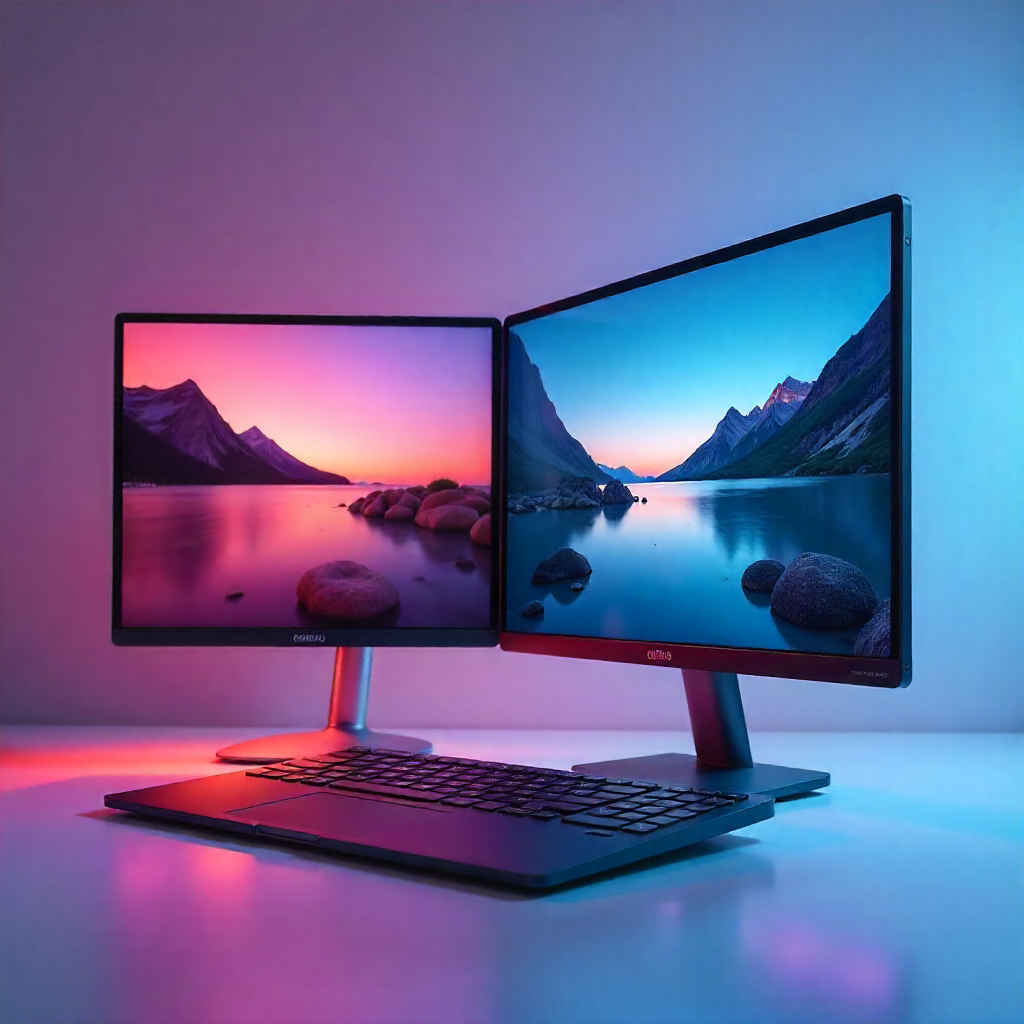
In our increasingly digital world, where productivity, portability, and immersive experiences are not luxuries, but expectations, one of the most versatile solutions across industries, use cases, and consumer needs is the dual-screen laptop setup. For content creators, gamers, developers, students, and remote workers, having two displays has been proven to improve workflows, multitasking, focus, and productivity, as well as provide greater flexibility.
At the heart of these advancements is one key feature that, while small, has an oversized impact. We’re talking about thin-bezel design.
Thin bezels are not just about the aesthetics; in a dual-screen system, they have a profound impact on user experience and functionality. In portable solutions and flexible form factors, they maximize screen real estate, minimize bezel waste, improve portability and ergonomics, and can even change how we think about productivity and entertainment. In this article, we will dive into how thin-bezel design in laptops and portable monitors changes the game, how it elevates dual-screen setups, and how it benefits end users.
What is a Thin-Bezel Design?
Before we get into the technicalities, a quick refresher: a bezel is the border that frames a display. Traditional monitors often had thick bezels, both physically and visually dividing screens. Thin-bezel design, as the name implies, reduces these borders, extending the display closer to the device’s edges. In dual-screen setups, and especially portable ones, thin bezels create a more seamless visual surface, making the two displays feel like one continuous workspace instead of two distinct panels.
The Growing Popularity of Dual-Screen Laptop Setups
Before diving deeper into thin bezels, let’s take a look at the reasons dual-screen setups are on the rise:
- Increased multitasking efficiency
- Better workflow separation (for instance, to have tools on one screen and content on another)
- Gaming and entertainment experiences enhanced
- Improved collaboration and presentation capabilities
- Reduced need for external desktop monitors
Portable dual-screen solutions, like attachable or foldable monitors, have also helped make this setup available beyond stationary workstations.
How Thin-Bezel Design Improves Dual-Screen Laptop Setups
1. Seamless Visual Experience
Thin bezels provide immediate visual benefits: when two screens sit side by side with minimal border:
- Content flows more naturally across displays
- Eye movement is smoother
- Distractions caused by thick black bezels are reduced
This has obvious value for activities like video editing, spreadsheet analysis, coding, and, of course, gaming, where a continuous workspace is more efficient and intuitive.
2. Maximizes Screen Space Without Increasing Size
Thin bezels free up screen area without making the device bigger. With dual-screen laptop setups, this translates into:
- More workspace in the same physical footprint
- Easier portability and transportation
- Better use of desk space
For example, connecting a laptop to a slim external display, such as a mini LED gaming monitor
offers users high brightness and contrast while maintaining an edge-to-edge viewing experience without being a huge eyesore.
3. Enhanced Multitasking and Productivity
Thin bezels also enhance productivity, focus, and workflow efficiency in the following ways:
- They reduce the visual interruptions between screens
- Drag-and-drop operations across displays feels more intuitive
- Window alignment and movement feels more natural
Users can, for example, keep communication tools and chats on one display while working on documents, designs, code, or other items on the other without constantly needing to “reset” their visual attention and positioning.
4. Improved Ergonomics and Viewing Comfort
Thick bezels create physical and visual gaps that interrupt natural eye movement. Thin bezels improve ergonomics and reduce fatigue through:
- More natural eye movement between screens
- Better alignment between displays
- Reduced neck and head movement during longer sessions
For users working or gaming for many hours at a time, this ergonomic enhancement can make a big difference.
5. Portability
Portability is a critical aspect for users in today’s mobile world. Thin-bezel design supports lighter and slimmer profiles in:
- Lighter displays
- Slimmer and less bulky profiles
- Foldable and attachable form factors
A folding monitor, for example, with thin bezels, is the perfect embodiment of this feature: delivering dual-screen capabilities while also remaining compact and portable enough to fit in a backpack.
6. Gaming and Entertainment Experiences Elevated
For gamers, thin bezels create a more immersive visual field in gaming or console setups. In dual-screen or flexible multi-screen gaming:
- The field of view feels wider and less obstructed
- HUDs, maps, or chat windows can live on a second screen
- The main gameplay area remains uninterrupted
Gamers can take advantage of the portability benefits by using a ps5 portable monitor
with thin bezels and, when traveling, have the peace of mind that their setup is just as immersive without being a huge eyesore.
7. Enhanced Aesthetic and Professional Appearance
We cannot neglect design either. Thin bezels:
- Look more modern and premium
- Create cleaner and neater desk setups
- Blend better with laptops and other devices
For professionals who present to clients or collaborate visually, the sleek and modern dual-screen setups reinforce their credibility.
8. Better Alignment for Stacked or Vertical Setups
Dual-screen setups are not limited to two screens placed side by side. Many users stack displays vertically. Thin bezels help by:
- Reducing the dead space between screens
- Improving readability at the vertical transitions
- Supporting creative vertical layouts for coding, writing, streaming, or other tasks
Dual-Screen Setup With Thin-Bezel Design Feature Comparison Table
| Feature | Thick-Bezel Setup | Thin-Bezel Setup |
| Visual Continuity | Noticeable gaps between screens | Seamless, immersive view |
| Productivity | Frequent visual interruption | Smooth multitasking |
| Portability | Bulkier and heavier | Lightweight and compact |
| Ergonomics | More eye and neck strain | Improved comfort |
| Aesthetic Appeal | Dated appearance | Modern and premium |
| Gaming Immersion | Screen breaks reduce immersion | Wider, uninterrupted view |
| Workspace Efficiency | Wasted border space | Maximum usable display |
Use Cases For Thin-Bezel Dual-Screen Laptops
Thin-bezel dual-screen setups are ideal for:
- Remote workers juggling multiple apps and browsers
- Content creators editing video, audio, or graphics on one screen, while researching or previewing on the other
- Gamers who want the most immersive and portable setups
- Students who are researching and taking notes simultaneously
- Developers who code with live previews and documentation
The Future of Thin-Bezel Dual-Screen Tech
The future of thin-bezel dual-screen setups is bright. As display technology advances, thin bezels will improve alongside them:
- Mini-LED and OLED panels
- Higher refresh rates
- Touch and stylus support
- Foldable and modular displays
- The trend is unmistakable: more screen, less border, more flexibility.
Frequently Asked Questions (FAQs)
1. Do thin bezels make a difference in dual-screen setups?
Yes. Thin bezels significantly improve visual flow, reduce distractions, and increase productivity by making the two screens feel like a single continuous workspace.
2. Are thin-bezel monitors more fragile?
No. Modern thin-bezel displays are built with reinforced frames and durable materials, so they are just as rugged and reliable as other displays when treated correctly.
3. Is thin-bezel design crucial for portable monitors?
Absolutely. Thin bezels reduce weight and size, making portable and foldable monitors lighter to carry while providing more usable screen space.
4. Are thin-bezel monitors better for gaming?
Yes. Thin bezels increase immersion, reduce visual breaks, and create a more engaging and fun gaming experience, especially for dual-screen or console setups.
5. Can thin-bezel displays be ergonomic?
They can be. By reducing visual gaps and improving screen alignment, thin bezels allow for smoother eye movement and can help reduce strain during extended work or gaming sessions.
6. Is a folding monitor better than a fixed dual-screen setup?
A folding monitor is a more portable and flexible option that works especially well for users who travel or work remotely, but also offers the same benefits of thin-bezel design.
Final Thoughts
Thin-bezel design is much more than a visual or marketing trend: it’s a functional upgrade that transforms how dual-screen laptop setups operate. Maximizing screen space, improving ergonomics, enhancing immersion, and enabling portable form factors, thin bezels unlock the true potential of multi-screen productivity and entertainment. As dual-screen setups continue to evolve, thin-bezel displays will remain at the core of efficient, modern, and truly immersive computing.