Responding to RFPs, RFIs, and security questionnaires is time-consuming, expensive, and often relies on a few people with the answers. This causes delays and risks when deadlines approach. Scrambling for answers from outdated documents leads to mistakes, longer review cycles, and missed opportunities to faster competitors. You lose time, consistency, and confidence, potentially missing out on revenue.
EY’s 2025 Global CPO Survey found that 80% of global chief procurement officers plan to deploy generative AI in some capacity within the next three years.
An AI-driven solution that connects your approved content, drafts accurate first-pass answers, and tracks approvals fixes this. Using an rfp automation tool gives you a repeatable process that speeds work, keeps answers compliant, and lets your team focus on strategy instead of copy-and-paste.
In this blog, we’ll explain what RFP automation does, the real business benefits for mid-market and enterprise B2B teams, what features matter when you evaluate vendors, and practical steps to get reliable returns from an implementation.
What is RFP Automation?
RFP automation combines a central content library, smart retrieval, workflow controls, and AI-assisted drafting to produce quick, consistent answers for RFPs, RFIs, DDQs, and security questionnaires. Instead of starting every response from scratch, you pull approved content, let the system suggest draft language, and route items for review and approval. Modern platforms integrate with cloud drives and collaboration tools, making documents and evidence (SOC 2, ISO, policies) readily available when needed.
Why RFP Automation Matters to Your Proposal Team
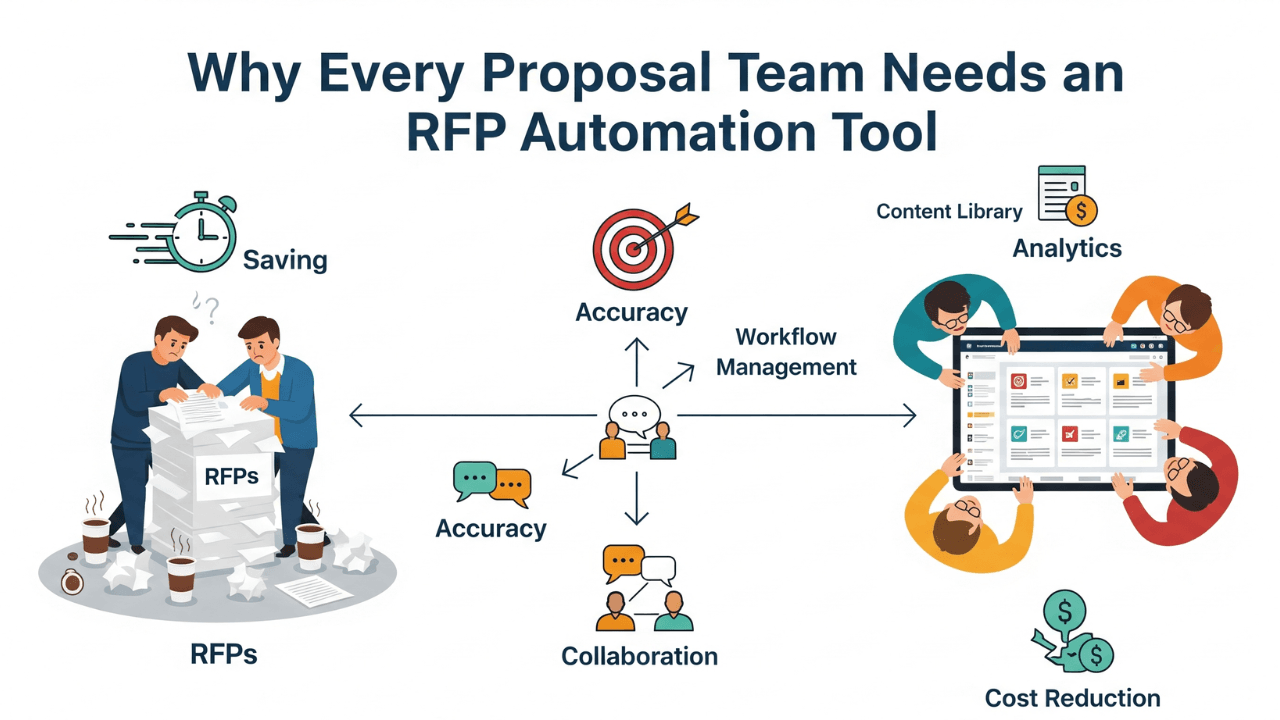
Adopting automation affects three practical outcomes you can measure:
- Time saved: Drafting goes from hours or days to minutes with AI suggestions and autofill, freeing your team to pursue more opportunities. Many vendors report significant efficiency gains.
- Higher win rates: When answers are complete, consistent, and aligned to buyer needs, your proposals perform better. Firms using RFP software report measurable lifts in wins and the number of RFPs they can handle.
- Lower risk and better auditability: A single knowledge hub and versioned approvals reduce compliance gaps and make it easy to show evidence during audits or security reviews.
Key Benefits of RFP Automation
- Faster first drafts through AI-assisted answers and content matches.
- Central content library with tags, ownership, and reuse tracking.
- Automated responses to security questionnaires and DDQs with linkable evidence (policies, certificates).
- Role-based workflow, approval routing, and audit logs for compliance.
- Integrations with CRM, Google Drive, SharePoint, and ticketing tools so answers stay current.
- Analytics and scoring to find bottlenecks, measure team throughput, and identify high-impact content.
What Features Matter When You Evaluate Vendors
When you pick a platform, prioritize functionality that matches how your team works and the complexity of your requests:
- Accurate, explainable AI drafts: The AI should use your approved content as the source for suggestions so answers are grounded in your policies and data.
- Central knowledge hub: Searchable, curated responses with ownership, tags, and recommended answers.
- Security questionnaire automation: Ability to auto-fill or suggest answers for SOC 2, ISO, and vendor security forms, and to attach evidence.
- Collaboration and approvals: Real-time editing, comment threads, and an approval workflow reduce rework.
- Integrations and migration support: Easy import from drives and exports to CRM, so data flows instead of being siloed.
- Reporting and ROI dashboards: Track turnaround time, reuse rates, and win-rate impact to justify continued investment.
How to Get Fast, Reliable ROI
- Start with your highest-value RFPs. Select a vertical or deal size where small improvements yield the largest revenue impact.
- Clean and tag your content library. Identify the most-used answers, assign owners, and mark evidence attachments. This makes AI suggestions trustworthy.
- Define a simple approval workflow. Start with one reviewer per section and expand as you learn.
- Train users and enforce change management. Conduct brief hands-on sessions to demonstrate how to accept AI drafts, edit, and approve them.
- Measure and iterate. Track time to first draft, number of RFPs handled, and win-rate changes so you can tune templates and ownership.
Real Results You Can Expect
Public vendor materials and industry research commonly report significant efficiency gains: many teams see dramatic reductions in drafting time and measurable increases in the number of RFPs they can respond to each year. That leads to a stronger pipeline and more competitive proposals when deadlines are tight. Use baseline measurements from your own team for the most transparent ROI case.
Final Thoughts
Suppose you lead proposals for a mid-market or enterprise technology, cybersecurity, or SaaS organization. In that case, an AI-driven RFP automation platform reduces repetitive work, tightens compliance, and gives your team time to craft better-positioned responses. Begin by mapping your current process, identifying the top 10 reuse answers, and then run a pilot on a handful of live RFPs.
If you’re looking for a platform that focuses on AI-first drafting, knowledge centralization, and security questionnaire automation, please review the vendor page linked earlier for feature specifics and demos.