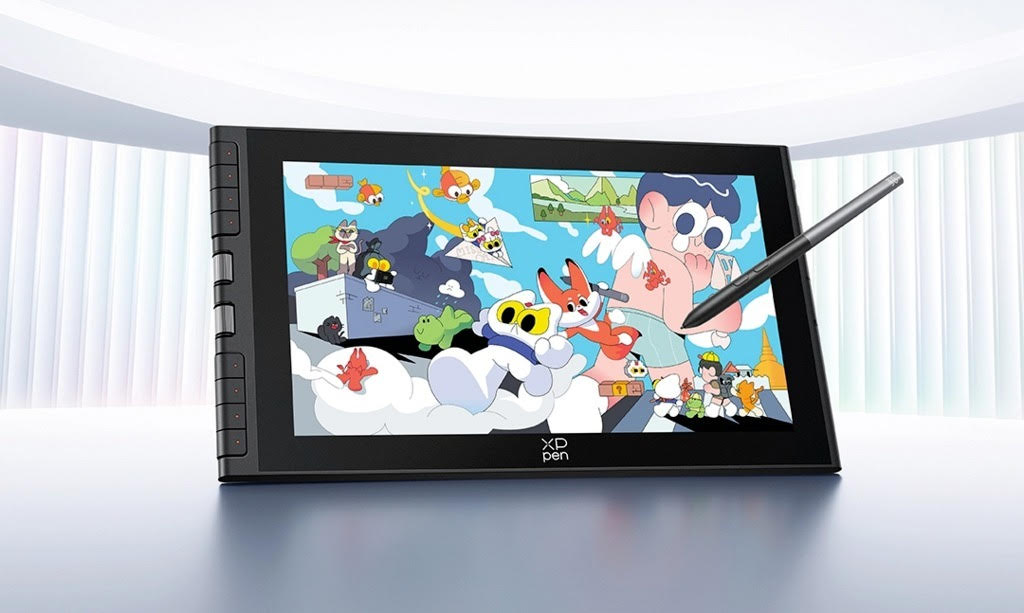
It’s an exciting time when you start on your path to digital art, but picking the right tablet can be downright confusing. With scores of devices available, it may be difficult to discern what actually matters for beginners. In this guide, we’ll help you decide how to select the best drawing tablet for beginners, outline what to look for in crucial features, and give you an idea of some fabulous XPPen beginner drawing tablet options – all at various price points!
Why the Right Tablet Matters for New Artists
Different types of digital art tablets exist, but all offer a different user experience depending on the type of tablet you choose. The biggest split is between:
- Screen tablets (pen displays) — these are when you draw directly on the screen
- Graphics tablets (non-screen) — The kind where you draw on a surface and watch the strokes on your computer
For many beginners, screen tablets eliminate one of the hardest learning curves: coordinating hand movements away from the drawing surface. Using the screen directly as a drawing surface brings more natural, intuitive control and rapid skill development.
Key Features Beginners Should Consider
Before choosing your device, take into consideration these key features that will impact your comfort, control, and final artistic results.
1. Display Size and Resolution
A larger screen provides more room to work, while a higher-resolution display makes lines sharper and details easier to see. Most beginner screen tablets will be from 11.9 up to about 15.6 inches and offer a resolution of 1920×1080 (Full HD), which should provide a sufficient surface for drawing, sketching, and practicing shading.
2. Pressure Sensitivity and Tilt Support
Pressure sensitivity determines how well the tablet can detect pen pressure changes. A beginner’s standard capable of a smooth line variation and a familiar writing feel with 8,192 levels is usual. The tilt support lets you shade with a traditional pencil or brush, while its natural operation provides subtleties of a real stroke.
3. Stylus Technology
Battery-free pens are actually better for beginners because they don’t need to recharge and are lighter as well as more responsive. Search for a tablet that includes support for the stylus, as well as having a good grip and durable tracking.
4. Express Keys and Workflow Ease
Express keys and customizable shortcut controls help streamline your workflow. These buttons can be programmed for commonly used commands (such as undo, brush size, or zoom), which helps you work faster and more attentively.
5. Compatibility and Connectivity
Make sure the tablet is compatible with your operating system (like Windows or macOS) and your preferred creative software (including Photoshop, Krita, Illustrator and various other drawing applications). Reliable connectivity with minimal setup hassle enhances the beginner experience.
Top XPPen Beginner Drawing Tablets With Screen
Here is a list comparing of several XPPen beginner drawing tablet models that are particularly fit for anyone beginning their journey as artists. All of these models have a screen, can perform well and hit the right price points.
📊 Beginner Screen Tablet Comparison
| Model | Type | Screen Size | Resolution | Pressure Levels | Tilt Support | Approx. Price |
| XPPen Artist 12 3rd | Pen Display | 11.9″ | 1920×1080 | 16,384 | Yes (60°) | ~$200 |
| XPPen Artist 13.3 Pro V2 | Pen Display | 13.3″ | 1920×1080 | 16,384 | Yes (60°) | ~$300 |
| XPPen Artist 15.6 Pro V2 | Pen Display | 15.4″ | 1920×1080 | 16,384 | Yes (60°) | ~$400 |
| XPPen Magic Drawing Pad | Standalone Android Tablet | 12.2″ | 2160×1440 | 16,384 | Yes (60°) | ~$500 |
(Price figures are approximate and subject to change based on region and promotions.)
How Each Tablet Fits Beginner Needs
🎨 XPPen Artist 12 3rd — Best Entry-Level Choice
The XPPen Artist 12 3rd has been created to provide an user-friendly experience for those who are taking their first steps in digital art, and would like the option of drawing on screen. A full HD compact screen with pin-point precision The latest generation stylus is highly sensitive and comes with tilt recognition - perfect for all types of drawing, sketching and painting, experience an advanced digital art environment. Customizable hot keys enable quick and easy Access to commonly used setups, reducing reliance on the keyboard and ensuring sessions can be setup faster for more effective practice.
Overall, it’s a fantastic choice for those just starting out and for more experienced users who are experimenting on a budget but would like to have a modern pen display that provides good liquid, accurate feedback with remarkable daily feel.
✍️ XPPen Artist 13.3 Pro V2 — Balanced Performance and Portability
Stepping up in size, the XPPen Artist 13.3 Pro V2 offers a more comfortable drawing area that should still fit most desks and setups without problems. It serves as a strong model for beginners who require the additional surface area for line work, coloring and grading without committing to a large, studio-sized display.
The Full HD screen is bonded so you feel closer to your work, the screen also displays a more accurate, truer version of colours while reducing parallax. With the latest pen technology and 8192 pressure levels of sensitivity and tilt recognition, allows you to experience a realistic pen-on-paper feel while working on mainstream software.
This makes the Artist 13.3 Pro V2 lie between entry level models and large professional displays, with customizable express keys and a nice size-to-performance balance to boot. It’s especially appropriate for those learners who want room to grow creatively, but need to keep costs and workspace requirements under control.
XPPen Artist 15.6 Pro V2 — Spacious Screen for Detailed Work
For those just starting out and desiring a bit more workspace to grow into, the XPPen Artist 15.6 Pro V2 offers a larger space ideal for intricate line drawings or multi-step creative endeavors. Its 15.4-inch full HD laminated screen provides clearer visuals with less parallax, for a more accurate and more efficient working experience. The improved pen technology is more sensitive, accurate and responsive offering on the screen the same natural experience you would have on paper during a long drawing session.
It also comes with customizable express keys and a dial, to make your workflow better. For newcomers who already know they’ll be working on larger compositions or across more complex designs, the extra screen space and enhanced controls make this model a natural and future-proofed step up.
📱 XPPen Magic Drawing Pad — Standalone Android Option
For beginners who prefer mobility and independence from a computer, the XPPen Magic Drawing Pad offers a 12.2″ high-resolution tablet running Android. With 16,384 levels of pressure and tilt support, its stylus delivers high sensitivity and expressive control. This stand-alone device allows you to sketch anywhere without a separate PC or laptop — a win for students or creatives on the move.
Tips for Choosing the Right Tablet
Here are a few practical tips to refine your choice:
📏 Consider Your Workspace
- If you have a cramped desk or travel often, then a smaller tablet, such as the Artist 12 or 13.3 Pro might make more sense.
- For extended drawing sessions or detailed art, larger screens like the Artist 15.6 or Innovator 16 give more breathing room.
✏️ Prioritize Comfortable Pen Feel
Try to test stylus performance if possible. Comfortable weight, natural pressure response, and reliable tracking make learning more enjoyable.
🔌 Check Compatibility
Ensure the tablet is compatible with your operating system and preferred creative software. Most XPPen screen tablets offer broad compatibility with Windows and macOS.
Final Thoughts
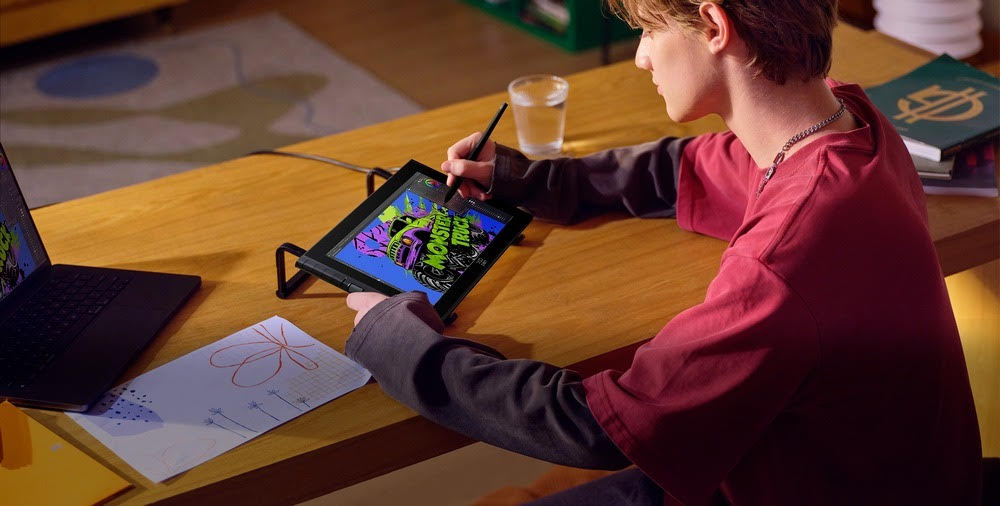
Choosing the best drawing tablet for beginners is all about finding the right balance between comfort and performance — and starting with an XPPen beginner drawing tablet gives you strong options across different price points and use cases. Whether you’re looking for a small screen to sketch on the go or you need something larger and packed with features that will allow you to make more serious artistic explorations, there’s a model here for every need.
By focusing on display quality, stylus capabilities, workflow features, and your personal style, you’ll be well-equipped to begin your digital art adventure with confidence. Happy drawing!