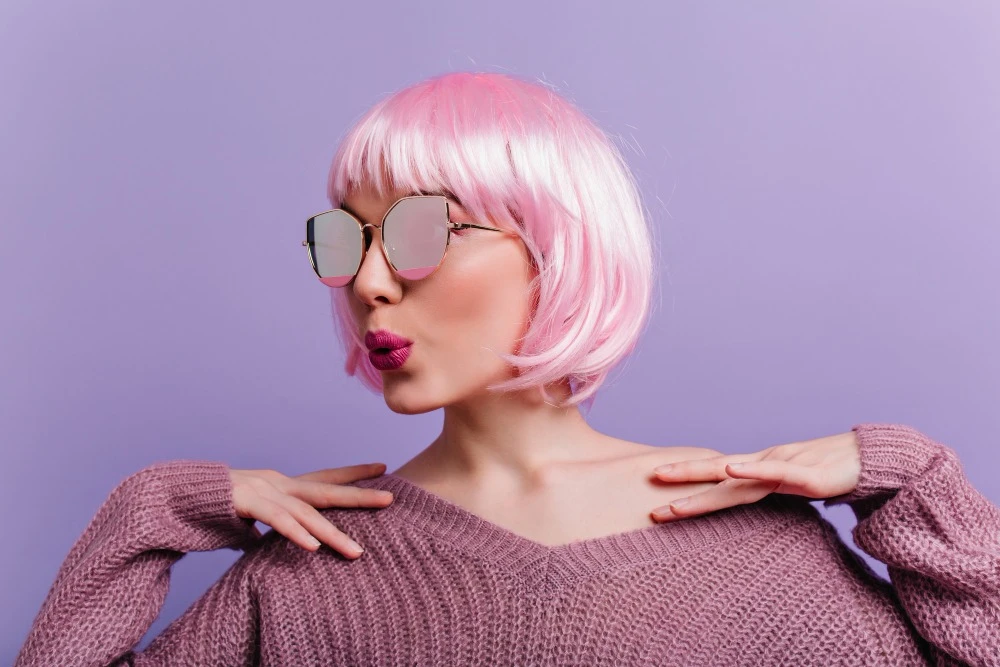
Trying out a new hair color before committing to dye is smart, but most photo editing attempts end up looking cartoonish. Flat, oversaturated color that bleeds onto skin or ignores natural highlights and shadows screams “fake.” The trick to realistic hair color changes is respecting your hair’s natural texture and light.
Whether you’re testing platinum blonde, vibrant red, or subtle balayage, the right approach makes all the difference. When you change your hair color in a photo professionally, the result maintains natural shine, dimension, and texture that makes the new shade look completely believable.
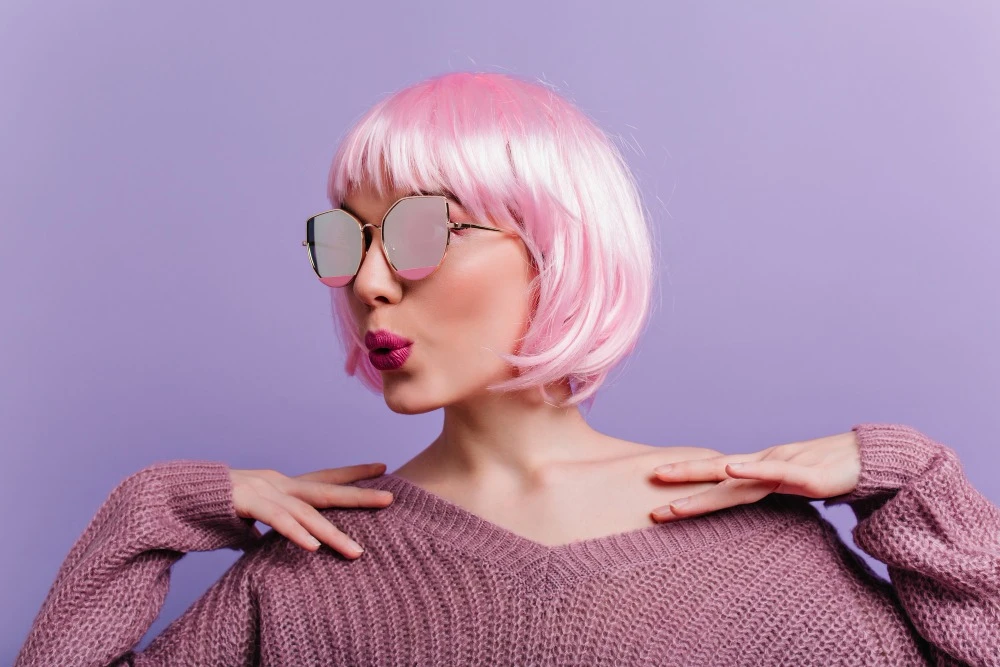
Start With Quality Source Photos
Hair color editing works best on well-lit photos where your hair is clearly visible. Natural daylight shows hair texture and strands better than harsh artificial lighting. Avoid photos with heavy filters or where your hair blends into dark backgrounds—these make precise color changes nearly impossible.
Choose images where your hair has visible highlights and shadows. These depth variations are crucial for realistic color transformation.
Respect Natural Highlights and Lowlights
Real hair isn’t one solid color. It has lighter strands where light hits and darker sections in shadow. When changing color, maintain this variation by adjusting the base tone while preserving the relative lightness and darkness of different sections.
Blonde hair going brunette should keep highlights lighter than the base. Dark hair going red should show dimensional tones—not flat orange. This depth makes the color look natural rather than painted on.
Match Skin Tone Undertones
Hair color that clashes with your skin undertones looks wrong even if the application is perfect. Cool-toned skin suits ashy browns and cool blondes, while warm undertones pair better with golden or honey shades.
If you’re testing a dramatic change, consider whether the color family complements your complexion. Realistic doesn’t just mean well-applied – it means believable for you.
Keep Edge Detail Sharp
The biggest giveaway of fake hair color is sloppy edges where hair meets skin or background. Professional color changes maintain crisp hairline definition and individual strand separation rather than creating a blurred or bleeding effect.
Pay special attention to areas where hair is wispy or flyaway. These delicate edges need precise color application to look real.
Adjust Shine and Reflection
Hair reflects light differently depending on color. Blonde hair shows more highlights and bright reflections, while dark hair has subtler shine. When changing colors, adjust how your hair catches light to match what that color would naturally do.
Don’t add artificial shine that wasn’t there originally—work with your hair’s existing texture and light reflection.
Consider Roots and Growth Patterns
For natural-looking results, slightly darken roots or keep them your original color for a grown-out effect. Perfectly uniform color from root to tip looks artificial, especially on longer hair. This subtle imperfection actually increases realism by mimicking how real dyed hair grows.
Realistic hair color changes in photos require attention to natural variation, proper edge work, and understanding how different shades interact with light. When done right, even dramatic color transformations look like they could be your actual hair.